psxsplash
psxsplash makes PlayStation 1 games. One download holds the editor, the psxsplash engine and the pcsx-redux emulator: build a scene, press Play, and it boots in the emulator. The same scene runs on a real console over a serial cable, or burns to a disc.
Download the nightly build Get started
What you get
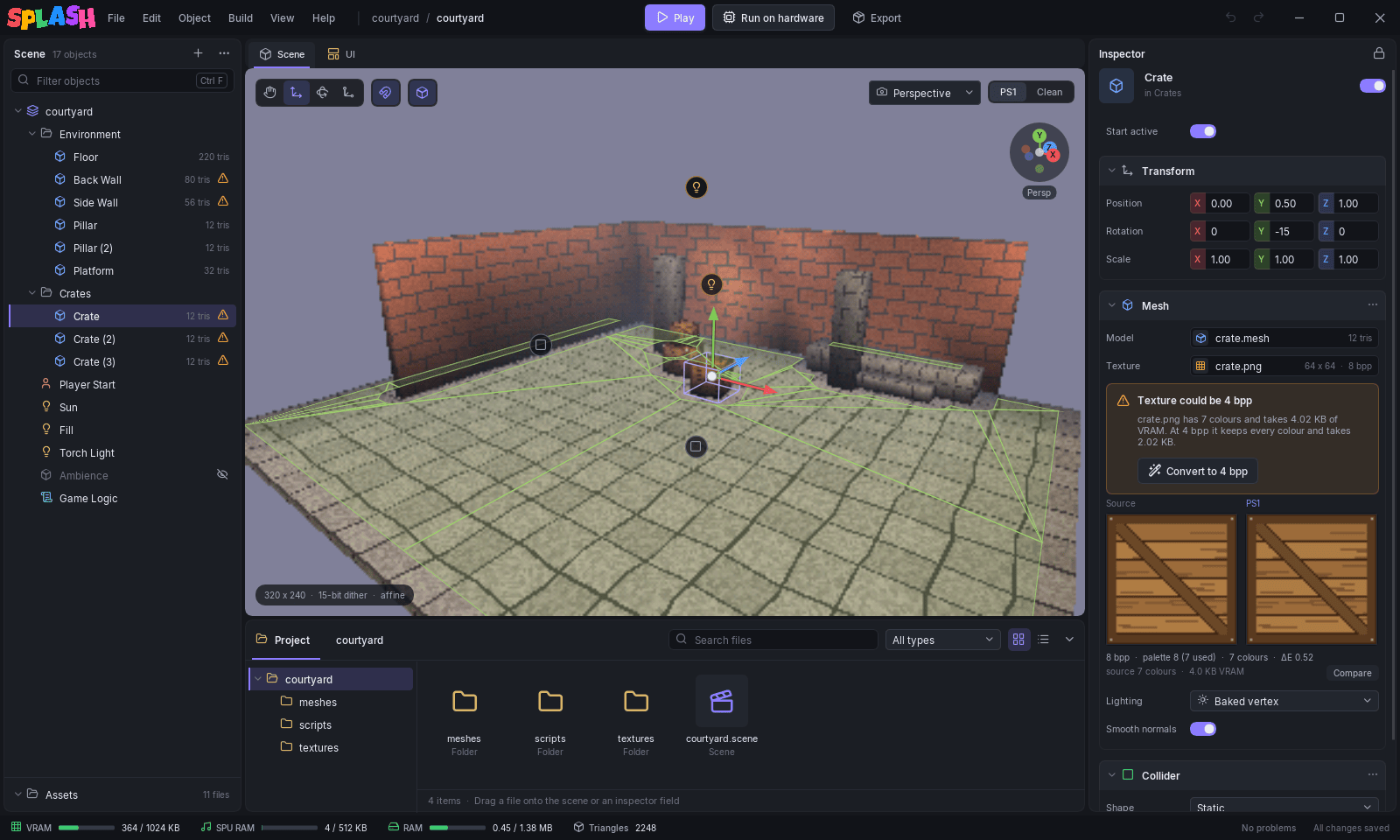
- The editor. Scene tree, a viewport that draws the way the console does, an inspector for every object, a project browser, and memory meters for VRAM, SPU RAM and main RAM that update as you work.
- Two ways to script. Write Lua in the built-in code editor, or snap blocks together in the block editor. Both make the same Lua for the console, and a scene can mix them.
- The engine. psxsplash runs on the PS1: fixed-point 3D, rooms and portals, navigation, UI canvases, cutscenes, skinned animation, SPU audio, memory card saves and world streaming.
- pcsx-redux. Play exports the scene and boots it inside the editor, next to the scene view. Edits you make while the game runs are sent to it.
Where to go next
| You want to | Read |
|---|---|
| Install and open the example | Installation, Your First Project |
| Learn the interface | The Editor |
| Bring in your own models | Importing Models & Textures |
| Script gameplay | The Block Editor, The Lua Editor, Lua scripting |
| Run on a console or make a disc | Play, Hardware and Discs |
| Stay inside the PS1's limits | Memory & Performance |
Older docs
The Unity-based editor (SplashEdit 2.4 and earlier) is no longer developed. Its documentation stays online at psxsplash.github.io/docs/unity, and the version menu in the header lists every older release.