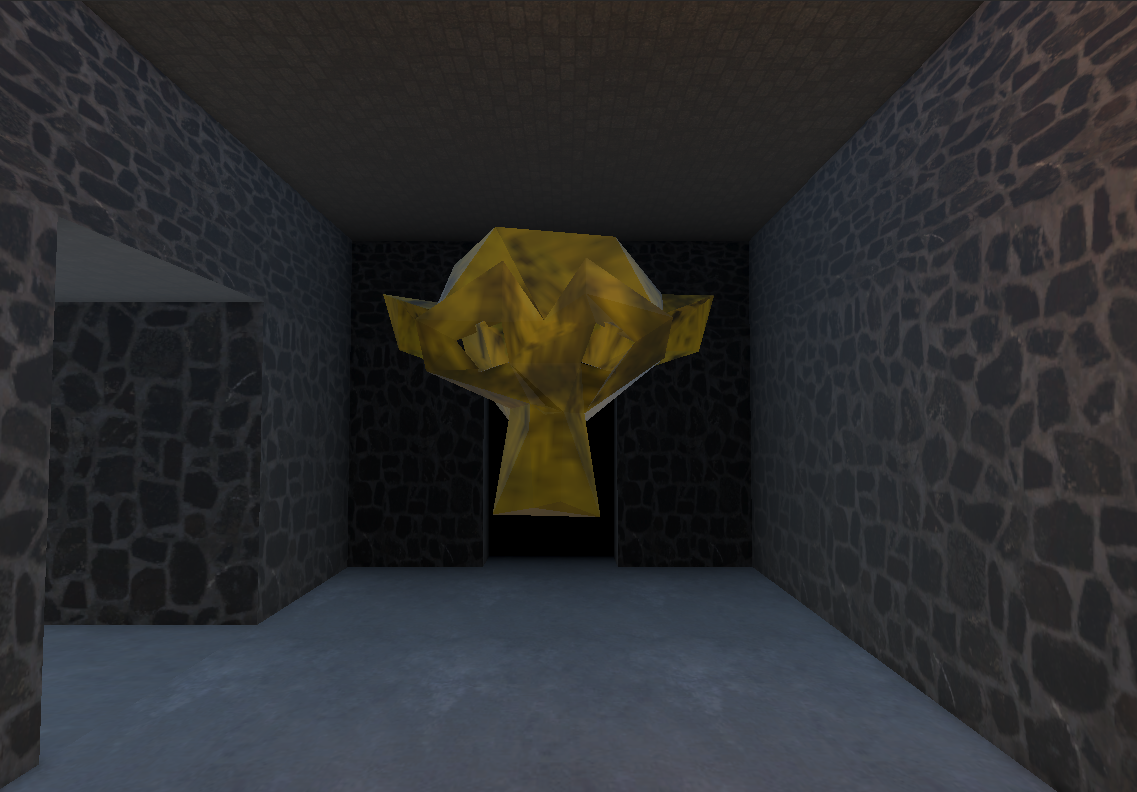
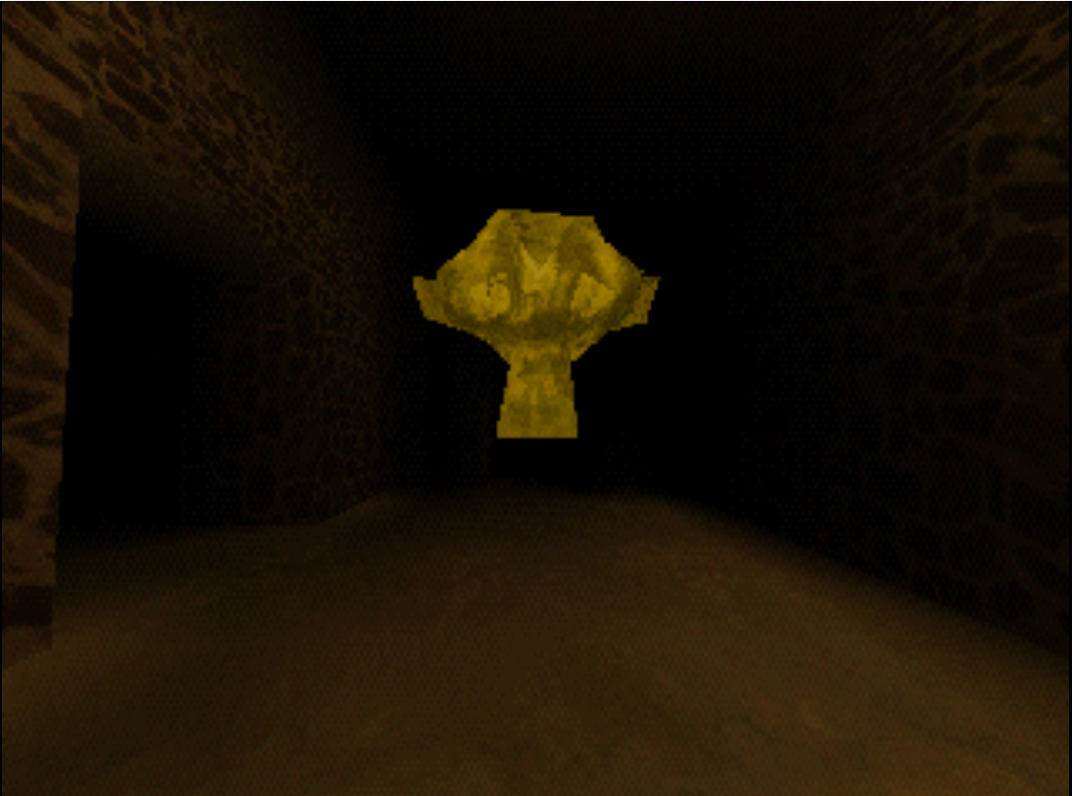
Design scenes in Unity's editor. Write game logic in Lua. Export to real PlayStation 1 hardware or emulator with a single click.
Drag to compare
SplashEdit is a Unity package for editing. psxsplash is the C++ PS1 runtime. You only touch Unity — the rest is automatic.
Editor tools, scene exporters, inspectors, texture quantization, VRAM packing, Lua compilation, and the Control Panel.
C++ engine built on PSYQo. Handles rendering, collision, navigation, Lua execution, UI, audio, and scene management on real hardware.
From scene design to disc image — SplashEdit covers the full PS1 development pipeline.
Place objects, set up rooms, configure portals, and preview your PS1 scene directly in Unity's editor.
Automatic Floyd-Steinberg dithering to 4-bit, 8-bit, or 16-bit color. VRAM packing with texture deduplication.
Full event-driven scripting API. Entities, camera, UI, audio, cutscenes, persistence, input — all from Lua.
Canvases with images, text, progress bars, and custom bitmap fonts. Full Lua control over visibility, color, and position.
Keyframed tracks with easing. Camera, object, UI, and FOV control. Audio events. Editor preview with scrubbing.
Automatic conversion to SPU ADPCM format. 24 simultaneous voices with volume and panning control.
Auto-generated nav mesh via DotRecast. Player walking, collision with static and dynamic objects, trigger volumes.
Interior occlusion system with per-room cells and indexed portal references. Only visible rooms are rendered.
Build to PCSX-Redux emulator, real hardware via serial (Unirom), or a full ISO disc image. All from one button.
Multiple scenes with seamless loading. Persistent key-value storage survives scene transitions. Loading screens included.
Choose baked lighting, flat color, or mesh vertex colors per object. Full control over your PS1 art style.
Silent Hill-style two-pass fog with per-vertex blending and additive overlay. Customizable density and color.
Write all your game logic in Lua with an event-driven architecture. No game loop needed — respond to interactions, collisions, button presses, and timers.
local collected = false
function onCollideWithPlayer(self)
if collected then return end
collected = true
-- Hide the object
Entity.SetActive(self, false)
-- Play a sound
Audio.Play("pickup", 100, 64)
-- Update the score
addScore(100)
setStatus("Got it!")
end
Five steps from zero to a running PS1 game.
Download the .tgz from GitHub Releases. In Unity: Package Manager → Add package from tarball.
PlayStation 1 → SplashEdit Control Panel (Ctrl+Shift+L). This is your central hub.
Click "Install" for each tool in the Dependencies tab. SplashEdit downloads the MIPS compiler, Make, PCSX-Redux, and more.
Add a Scene Exporter, place objects with PSXObjectExporter, set up a player, and add your first room.
Hit the BUILD & RUN button. SplashEdit exports, compiles, and launches your game on the emulator.
Launch directly in PCSX-Redux with PCdrv file serving. Full debug console output.
Upload via serial to a real PlayStation 1 with Unirom. PCdrv file serving over the cable.
Generate a .bin/.cue disc image ready to burn or load in any PS1 emulator.
SplashEdit and psxsplash are MIT licensed. Contributions, bug reports, and showcases are all welcome.